DESIGN / SOFTWARE / SOUND
VJ-XY
A live visual instrument for OP-XY.
Play the screen
VJ-XY brings live visuals into the same workflow as the music. Prepare a set, connect OP-XY, and use its keys, sequencer and encoders to play the screen.
I designed and built the app, bringing together the three things I spend most of my time doing: design, software and sound.
Prepare. Connect. Perform. Watch on YouTube
One performance, one sequence
OP-XY is teenage engineering’s portable sequencer, synthesiser and sampler. Its keys, four encoders and step sequencer make it a very hands-on way to write and perform music.
VJ-XY gives that workflow a visual side. Notes trigger clips. The four encoders move visual effects. Record those movements into OP-XY and the visuals become part of the musical sequence, with no separate video timeline to keep in step.
The app handles playback on iPhone, iPad or a compatible Apple silicon Mac. The music stays with OP-XY; a connected screen or projector receives only the visuals.
From hardware to interface
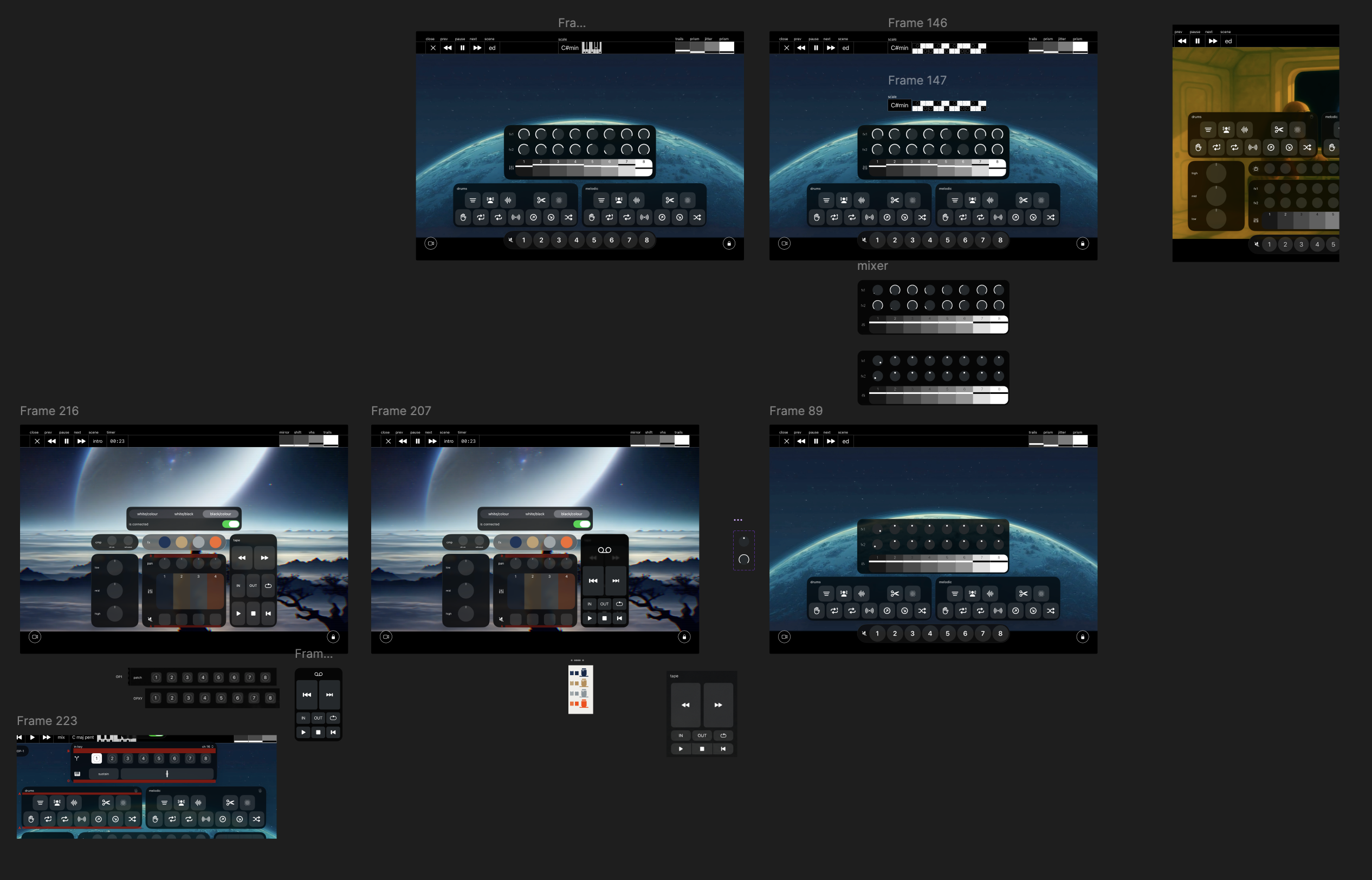
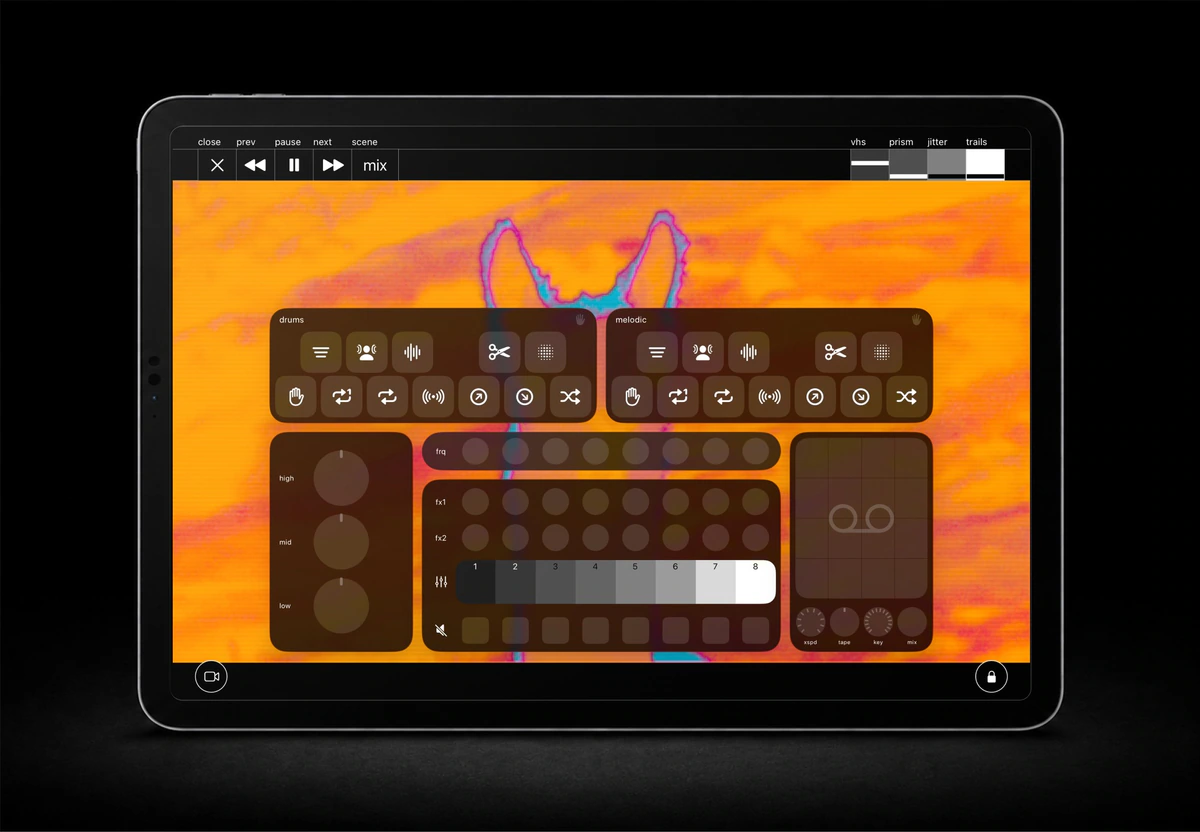
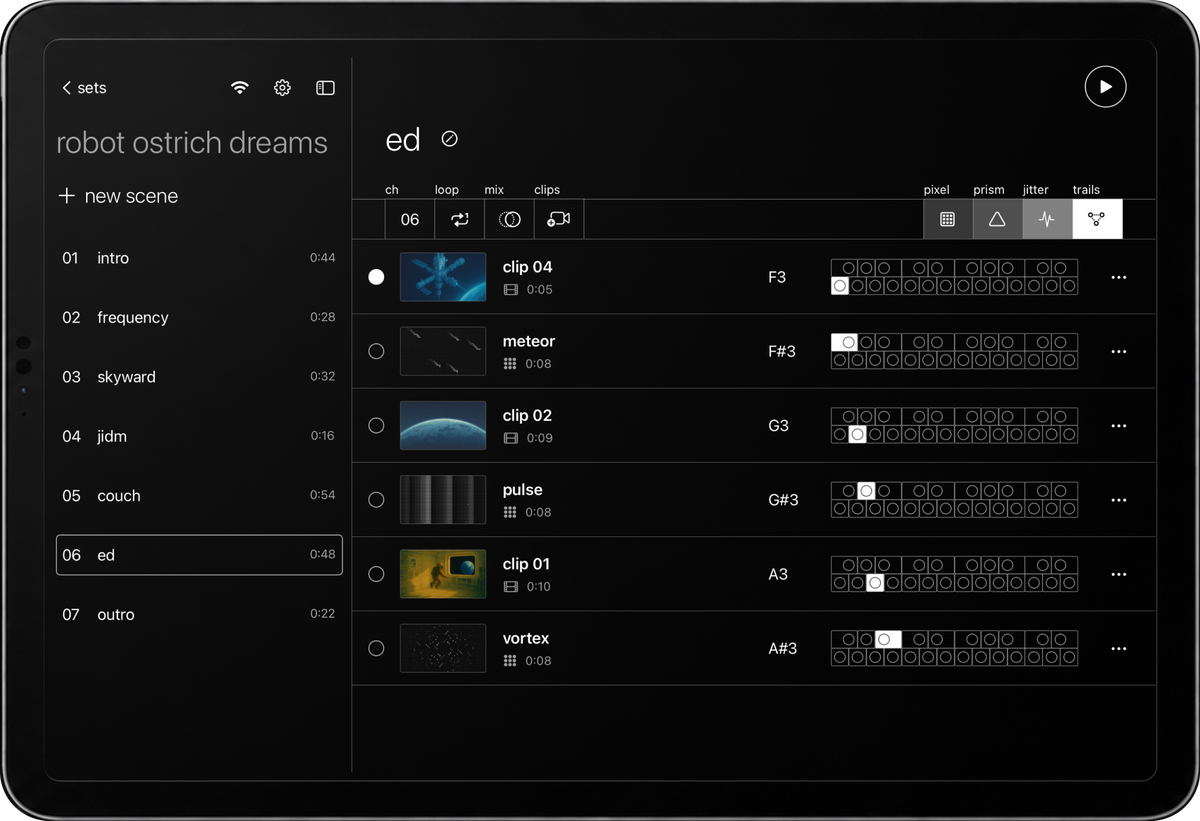
The interface borrows the hardware’s visual language: four shades of grey, compact labels and a keyboard that makes the clip-to-note mapping visible. The relationship is there in the controls, before anything starts playing.
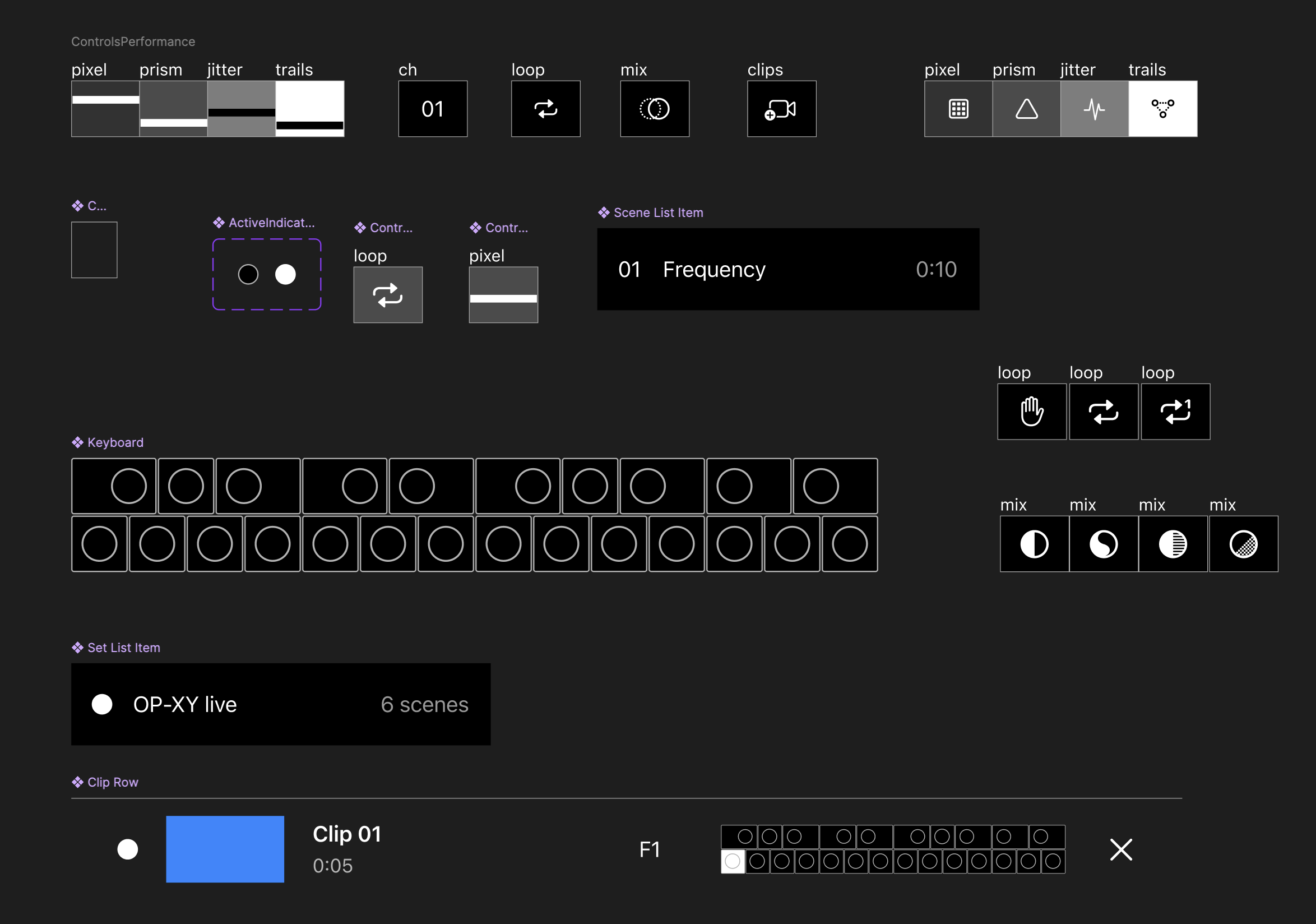
Preparation and performance ask different things of the interface. Sets, scenes and clips give the preparation view its structure. In performance, the image takes over. Controls appear when needed for a quick correction, while OP-XY remains the main instrument in your hands.
Make the material, then play it
Video, photos and GIFs are one starting point. VJ-XY also has tools for making the visuals inside the app.
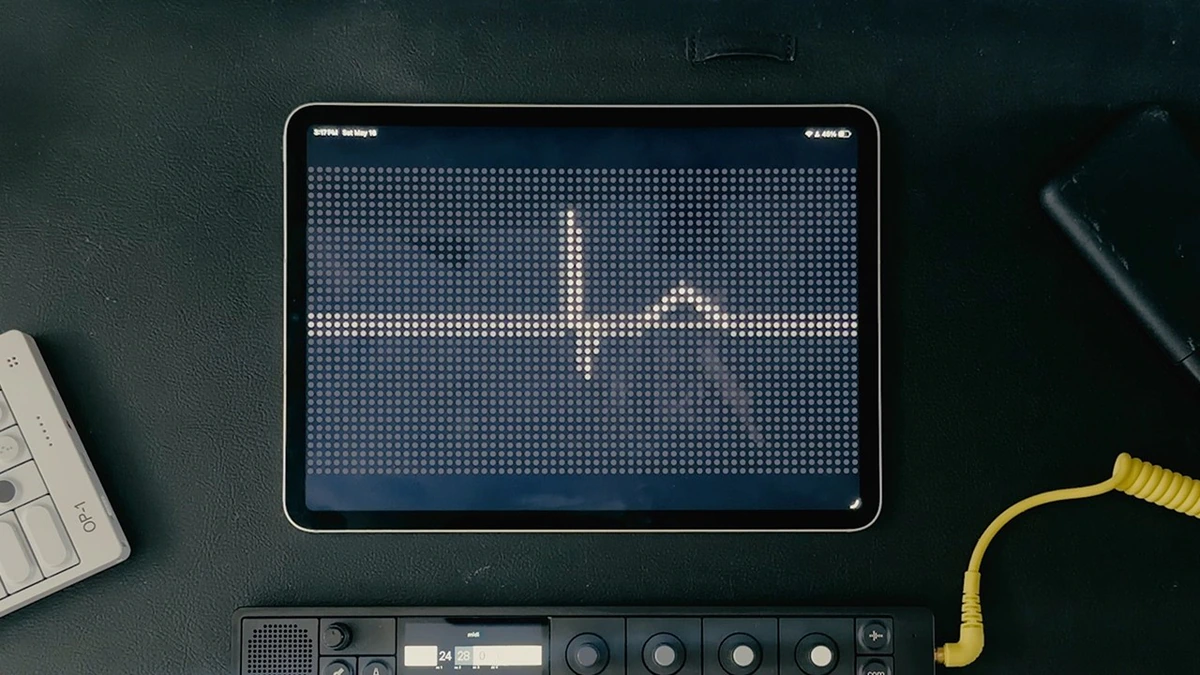
The matrix editor turns a grid of dots into frame-by-frame animation, drawn with a finger or Apple Pencil. Canvas clips take a different approach: layer stills and animated GIFs, arrange the composition, then give individual layers their own note triggers.
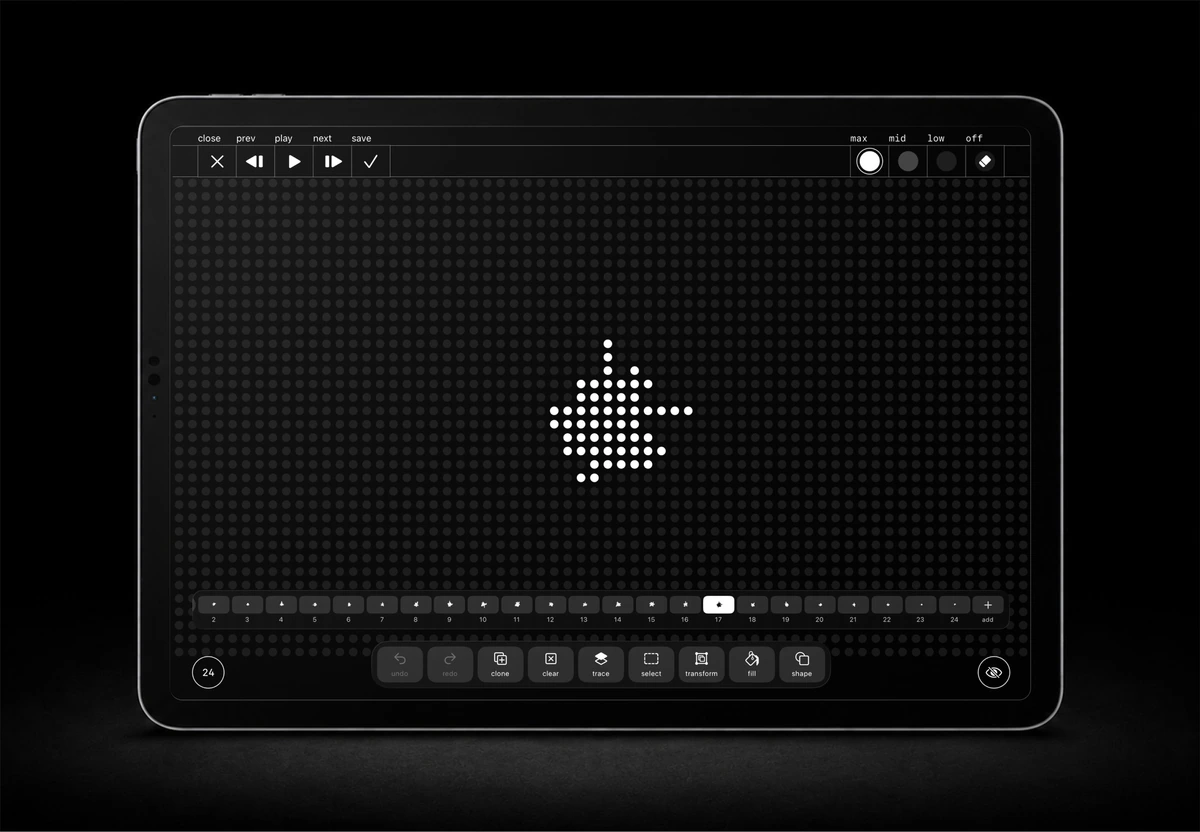
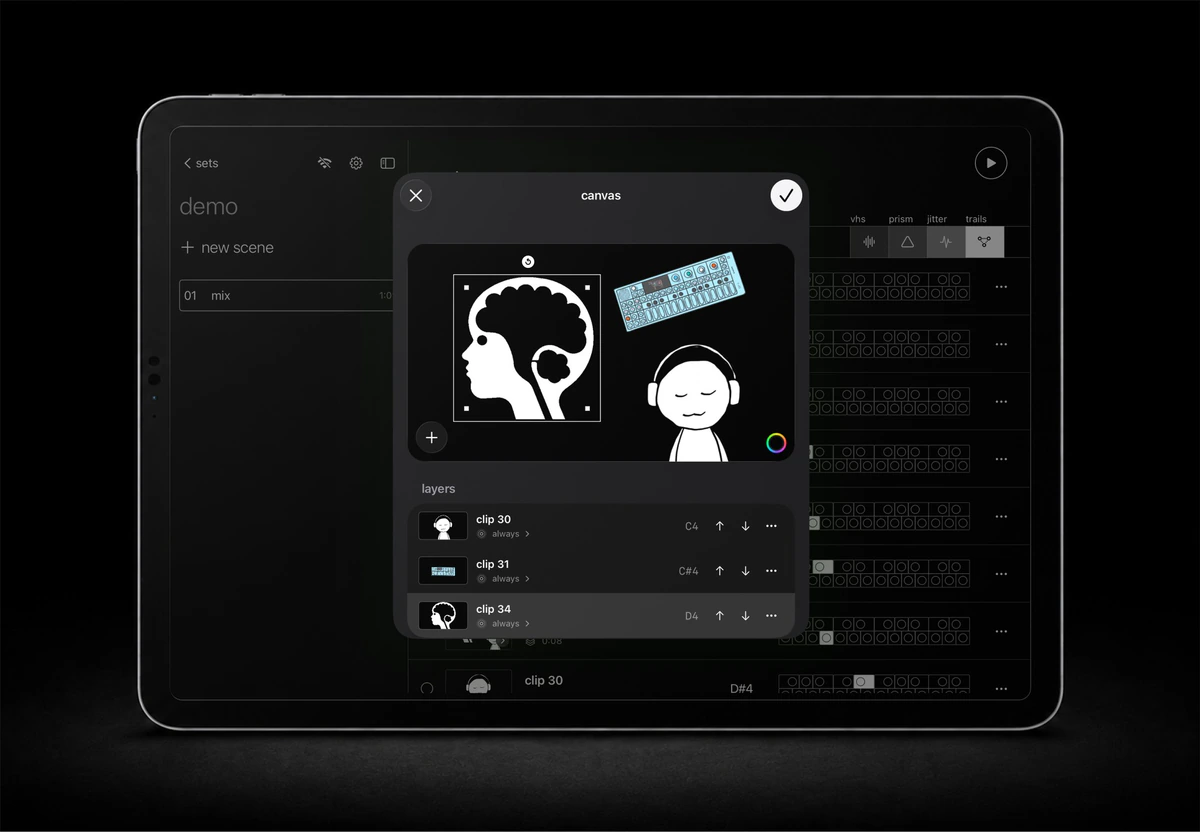
Both return to the same set of scenes and clips. Making something new does not mean learning another performance workflow.
An instrument that keeps growing
The connection can work in both directions. An optional experiment lets VJ-XY send MIDI back to OP-XY, putting mixer, mutes and effects on the touchscreen. Scale tools can find a key from a few notes and correct played notes into a scene’s scale.
These tools are off by default. They extend the instrument when you want them, while keeping the everyday visual workflow focused.