October 28, 2026 / SOFTWARE & CRAFT
Building without permission
I used to think building software needed a business case. Now, sometimes, it just needs to be useful to me.
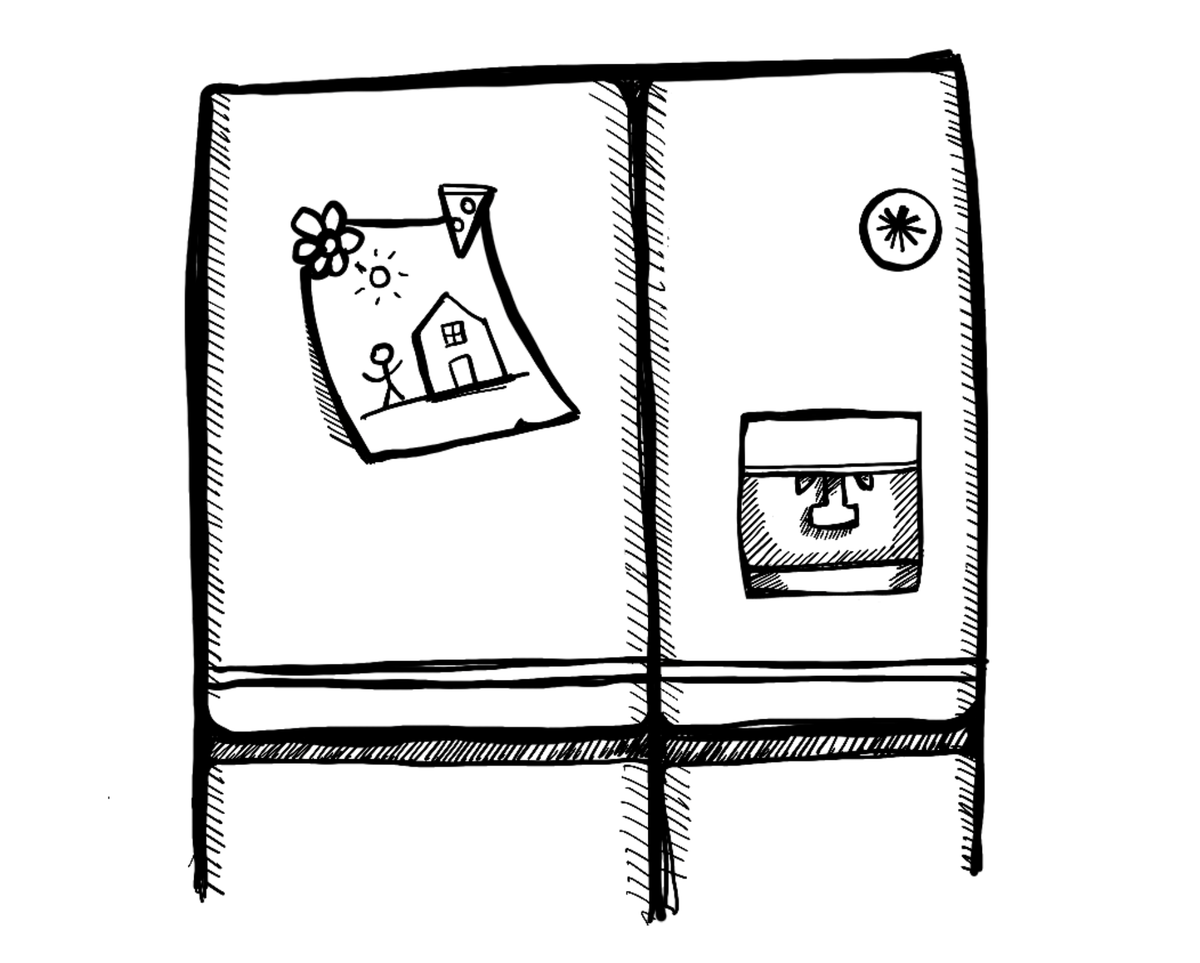
Think about drawing as a kid. You pick up a pencil and start making marks. One line gives you an idea for the next. You might have something in mind, but there’s also room to follow the drawing and see where it goes.
Maybe it ends up on the fridge. That’s about as far as the plan goes.
I’ve been thinking about that freedom to start, and how it relates to making software.
I’ve spent years designing apps for customers and for myself. Whenever I thought about building something, questions about the need, the business model and the people who would use it came along for the ride. There was usually an assumption that an app would need to work for other people too. It felt like I needed to make the case for an app before I had permission to start building it.
AI has made me reconsider that. I can build something that helps me do a particular thing, in the way I want to do it. It might be useful for one workshop, or one person. That person can be me. This probably isn’t new for engineers and developers. But for someone like me, it hasn’t always felt accessible, or even imaginable.
I’d built plenty with AI before, but recently I’ve been using it to put my own ways of working into software. Two tools have come out of that, both shaped around workshops I run.
FacilitatorOS
I use Lucid and Miro a lot for running workshops, often alongside PowerPoint or Figma for the introductions and visual parts of a session. Some audiences struggle to get comfortable with the collaboration tools. And these are tools built for a huge range of uses, so I end up fitting my workshop around what they offer.
I started wondering what it would be like to build a tool specifically for one workshop. I already knew the exercises, the sequence and what needed to happen at each step.
So I built it.
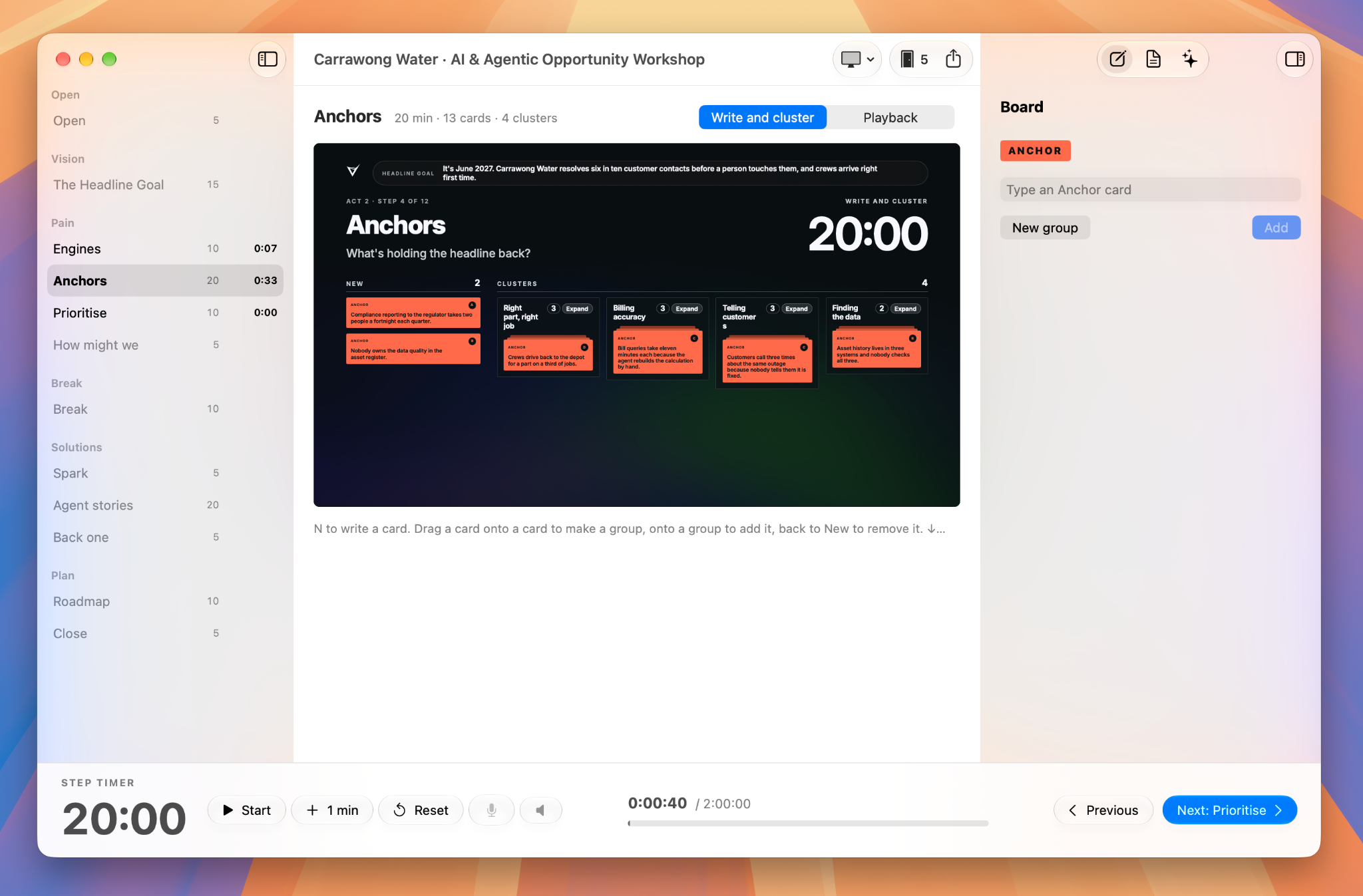
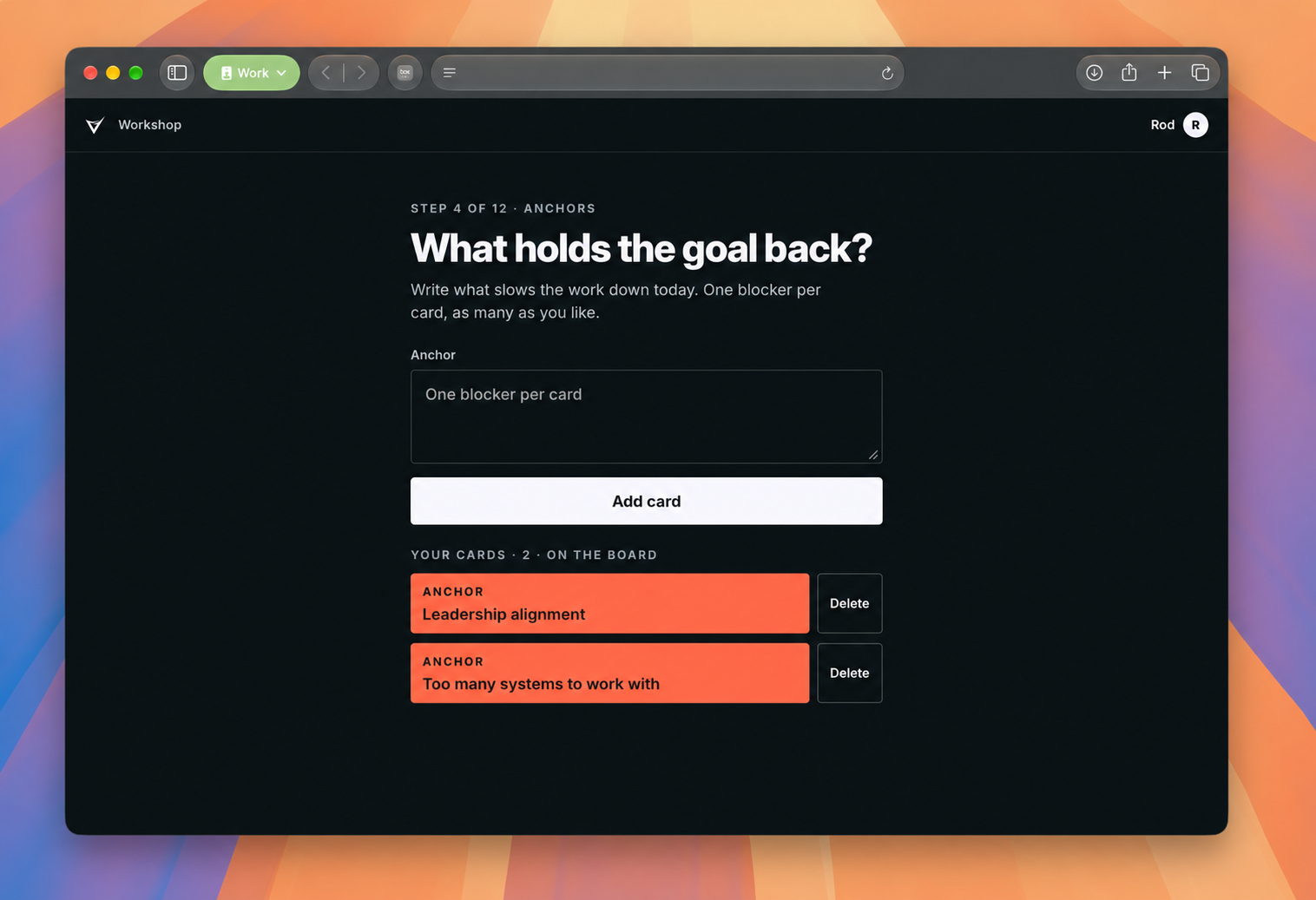
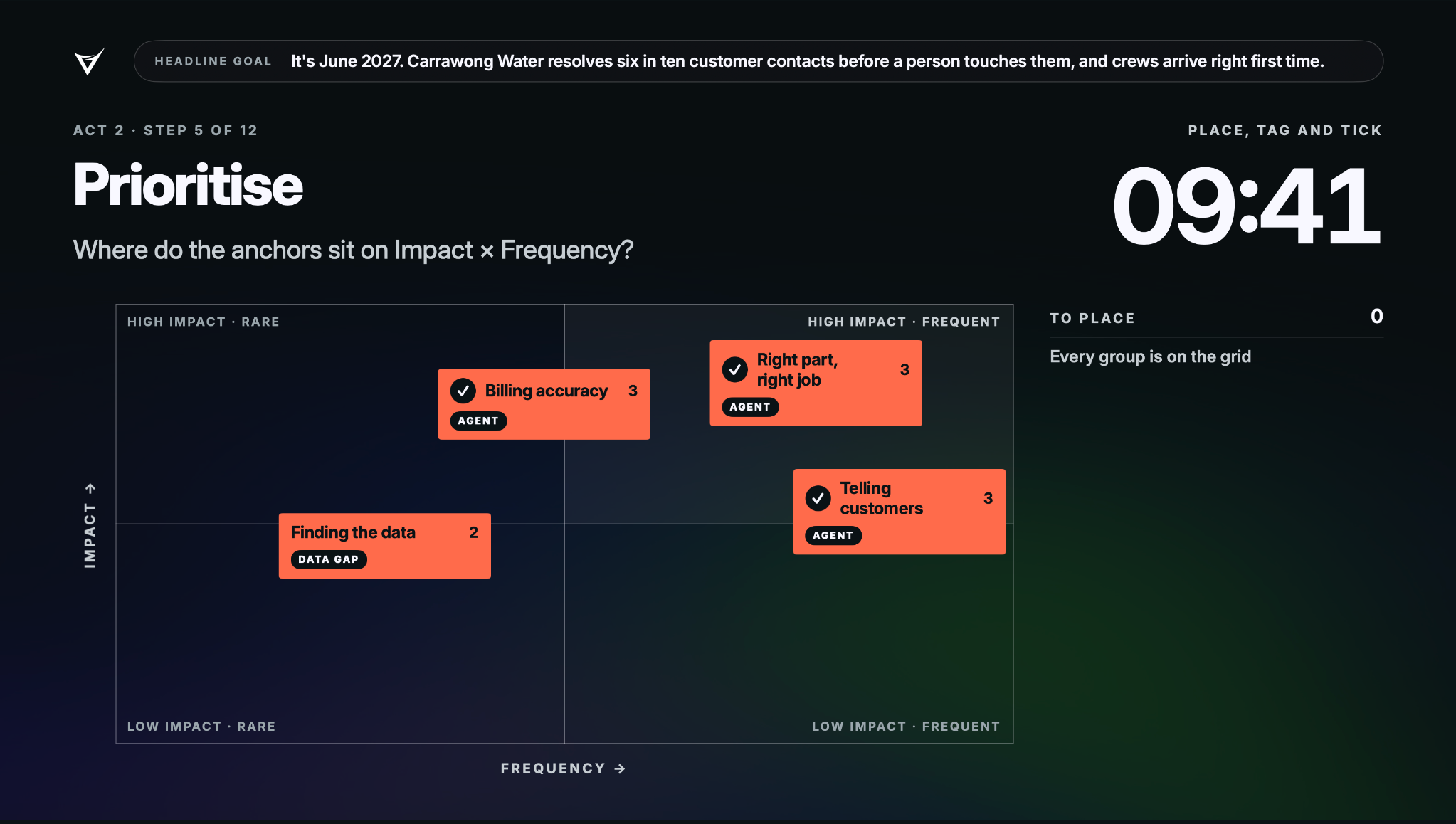
It’s a native Mac app. I have a facilitator view with the timings, exercises and conversation prompts in front of me, and a separate view for the room. People can scan a QR code or follow a link to respond on their phones or laptops. As we move through the workshop, the questions and forms change with us.
I even added music controls so I can duck the music when I want to speak. A small thing, but exactly the kind of detail I wanted to bake into the experience.
I’ve also been experimenting with on-device models to help cluster pain points and opportunities, and suggest next steps with the context of what’s already happened in the session.
The conversation between people is still at the heart of it. A word can carry a meaning in the room that an agent might miss. People hear each other’s stories, build on ideas and start seeing a problem from someone else’s perspective. As a facilitator, I want to make room for that while balancing the loudest voices.
There are also things I might miss that an agent can help me notice. I want both, with the software supporting the human experience of being in a workshop together.
I haven’t used it in a live workshop yet, but I’m planning to try it soon.
Why Canvas
The other tool is Why Canvas. It’s a simpler tool for a purpose workshop I’ve been running for years. It helps teams work through what their product, service or team stands for, and where they want to go.
I combined parts of an existing canvas with exercises I’d been running separately, shaping the tool I wanted for my own sessions. It’s a web app. People fill it in, download their responses as Markdown and send them back to me. That’s enough for now.
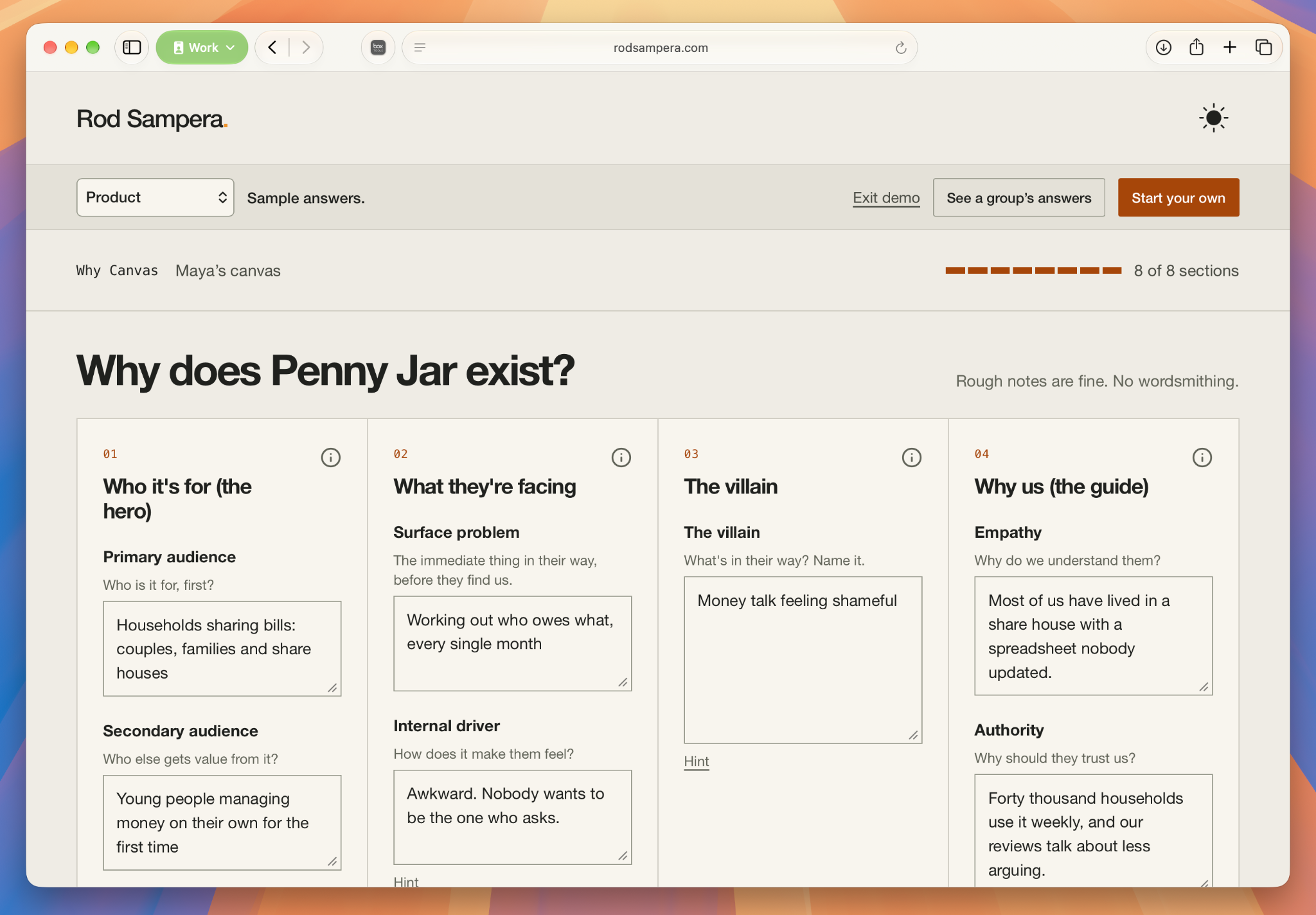
This one I have used, and it’s been really good. It’s also open source, so you can download it and adapt it for your own workshops. You can try Why Canvas and find the source code here.
Seeing where it goes
These tools are a way of putting some of what I know into software. The exercises I choose, the order I run them in, the little things that help me facilitate. Codifying a bit of my own IP into something I can actually use.
I often start these projects with a light idea, a “what if...” and then, through the making, it takes shape. In these types of projects, I rarely, if ever, shape the whole thing before I make it.
That’s where the drawing analogy comes back for me. The freedom to begin, the state of flow, painting to see where it goes.
I’m a designer, and I wouldn’t have built these apps before. I wouldn’t have had the funding, time or dedicated focus to make them happen. Now I can start while the idea is still taking shape, without having to justify where it will end up. That’s what building without permission means to me.
I used to think building software needed a business case. Now, sometimes, it just needs to be useful to me, or simply fun to explore.